

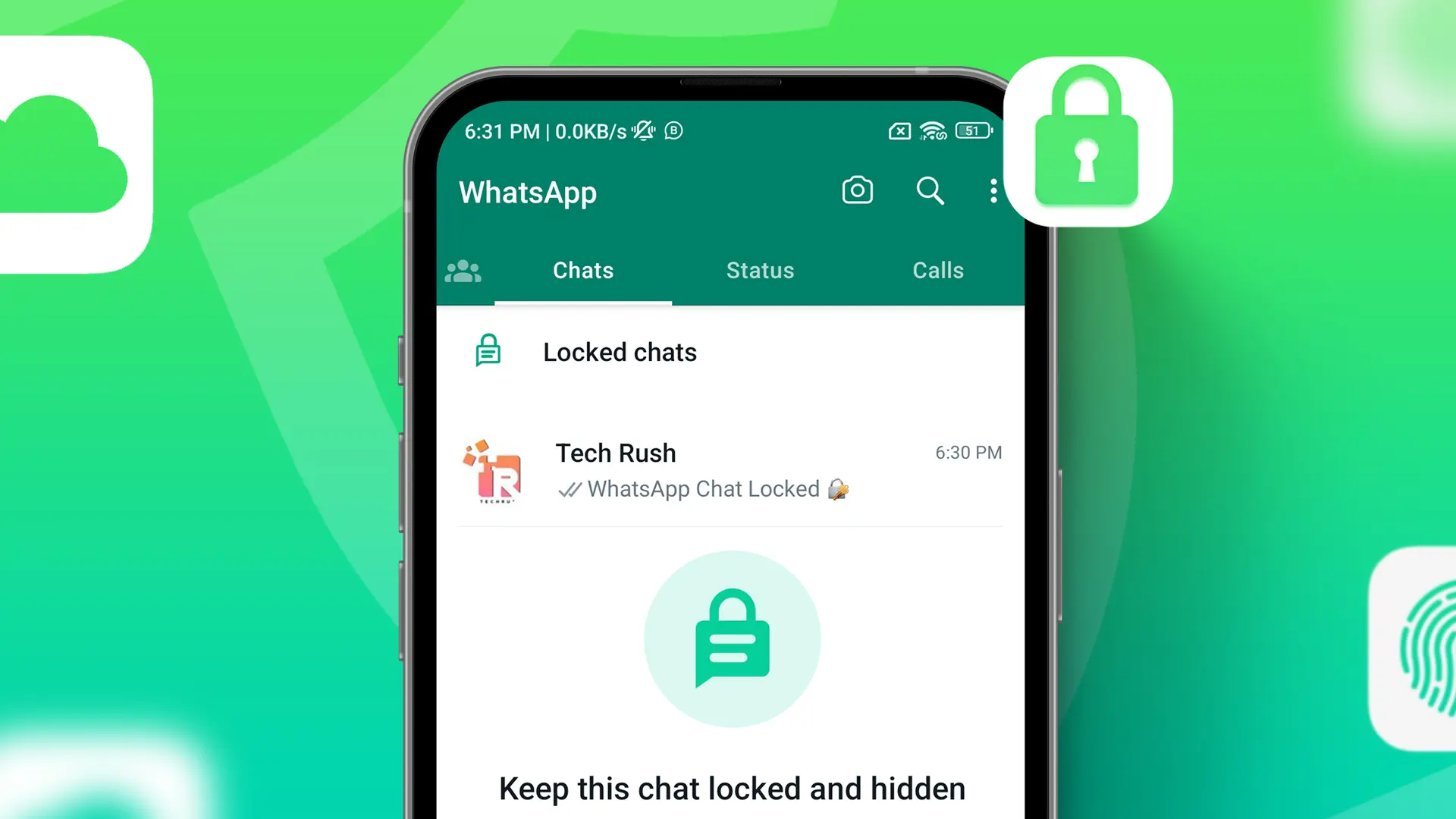
The new Chat lock feature will allow users lock their personalconversation in in a folder that can only be accessed with your device’s password or biometric.
In today’s world, our mobile phones have become the most intimate piece of technology we own. With millions of instant messaging platforms available to us, WhatsApp holds a special place in our hearts. From casual chats with friends and family to discussing work with colleagues, we are constantly exchanging messages with people through WhatsApp.But what if we told you that you could secure your private conversations on WhatsApp? That’s right, the app just released a new chat lock feature that enables users to lock their private conversations with a password or biometric authentication. And in this blog post, we’ll show you how to activate it!
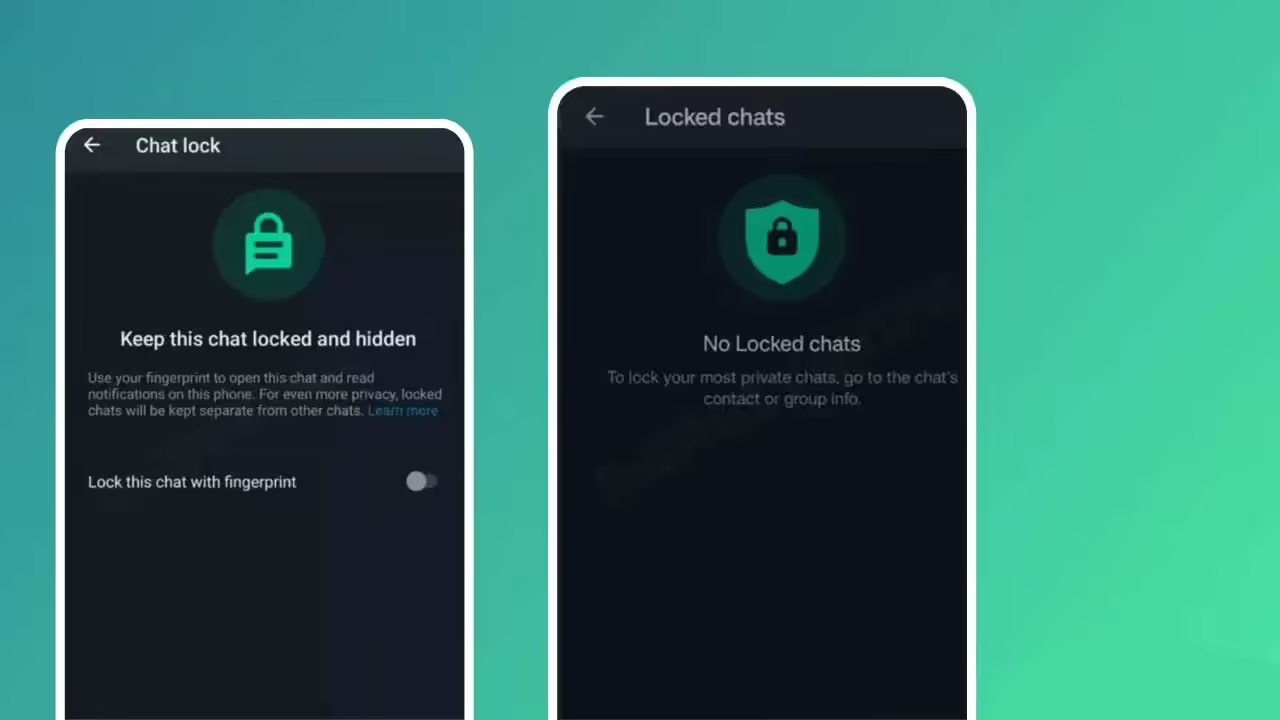
The WhatsApp chat lock feature offers enhanced security by providing an extra layer of protection to your conversations. This feature is a welcome addition to WhatsApp’s privacy settings, which already include end-to-end encryption and two-step verification.
Activating the chat lock feature is incredibly easy. Here’s how:
Step 1: Make sure you have the latest version of WhatsApp installed on your device.
Step 2: Open WhatsApp and go to “Settings.”
Step 3: Select “Account” and then “Privacy.”
Step 4: Scroll down and select “Fingerprint lock” (or “Face lock” if your device supports it).
Step 5: Toggle on the “Unlock with fingerprint” (or “Unlock with Face ID” if your device supports it) button.
Step 6: Choose how long your device will stay unlocked before it asks for authentication. You can choose from “Immediately,” “After 1 minute,” or “After 30 minutes.”
Step 7: If prompted, enter your device password or biometric authentication to confirm.
Once you’ve finished these simple steps, you’re all set! From now on, your WhatsApp conversations are locked and protected by your device’s password or biometric authentication.
In conclusion, securing WhatsApp chats is an essential step to protect your privacy and confidential conversations. With the chat lock feature, WhatsApp has given its users an additional layer of privacy. Activating this feature is quick and straightforward and can be done in a matter of minutes, keep your chats safe from prying eyes.
Don’t wait any longer! Enhance your WhatsApp security today by locking your conversations. Download the latest version of WhatsApp and follow the steps mentioned above to activate the chat lock feature. Stay safe out there!